How to use the YouTube web editor
Hi everyone,
To begin, you need to go to http://www.youtube.com/editor. You should see a screen like this:
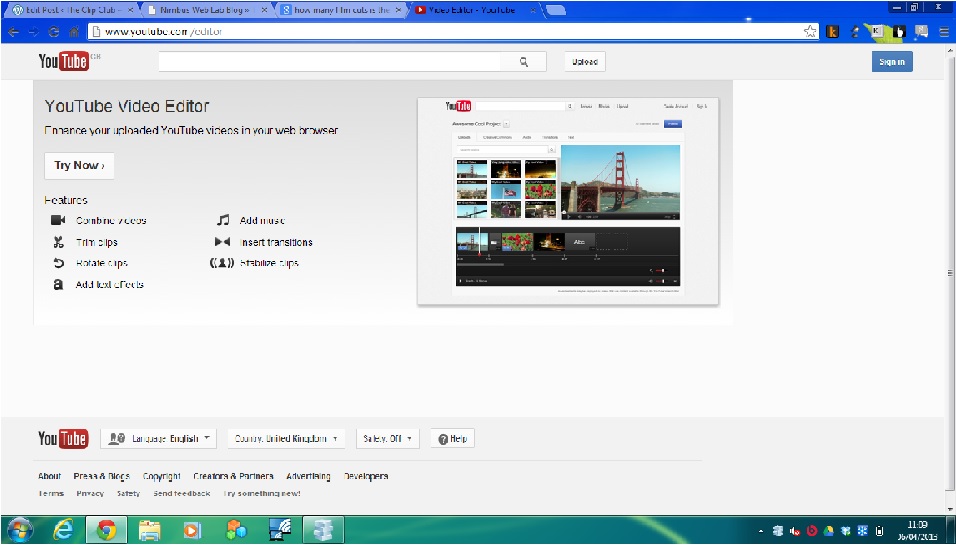
then, click the sign in button:  and sign in with your Google Account (this is your account for gmail or google plus.
You should then see a screen like this:
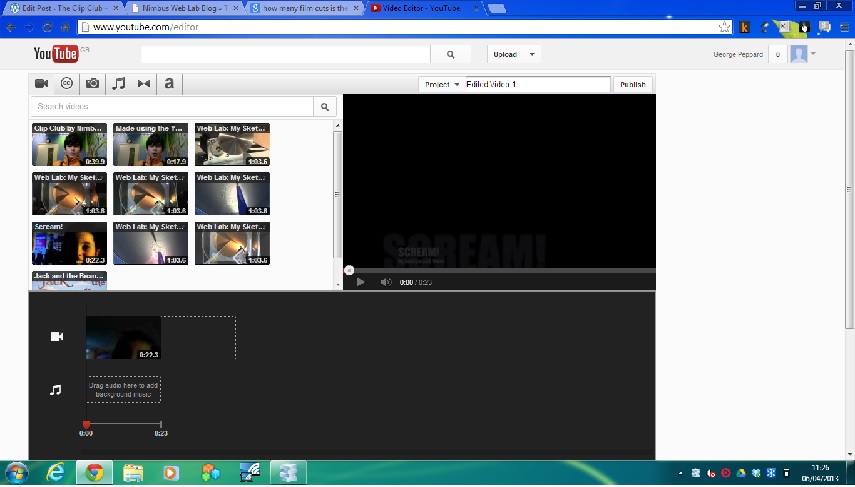
after that, click on Creative Commons (CC): 
You can then mix videos to your pleasure.
To see what all the other buttons do, move your arrow on to the button in question and keep it there. A label should materialise telling you what that button does.
For any more information, refer to this post by Michelle.
 The Clip Club
P.S. To see any of the pictures in the above post larger, click on them and a new window/tab should open.